
Download Ubiquitous player – multimedia tool, note-taking, web surfing, calendar, Tic Tac Toe
Overview
Ubiquitous Player is a multifunctional mobile application designed to consolidate several daily digital tasks into a single, unified interface. Its primary purpose is to simplify workflows by combining media playback, note-taking, calendar management, web browsing, and light entertainment. The app caters to users seeking a streamlined experience without the need to switch between multiple applications. This makes it particularly useful for students managing study materials, professionals organizing work tasks, and casual users who value efficiency in their digital routines.
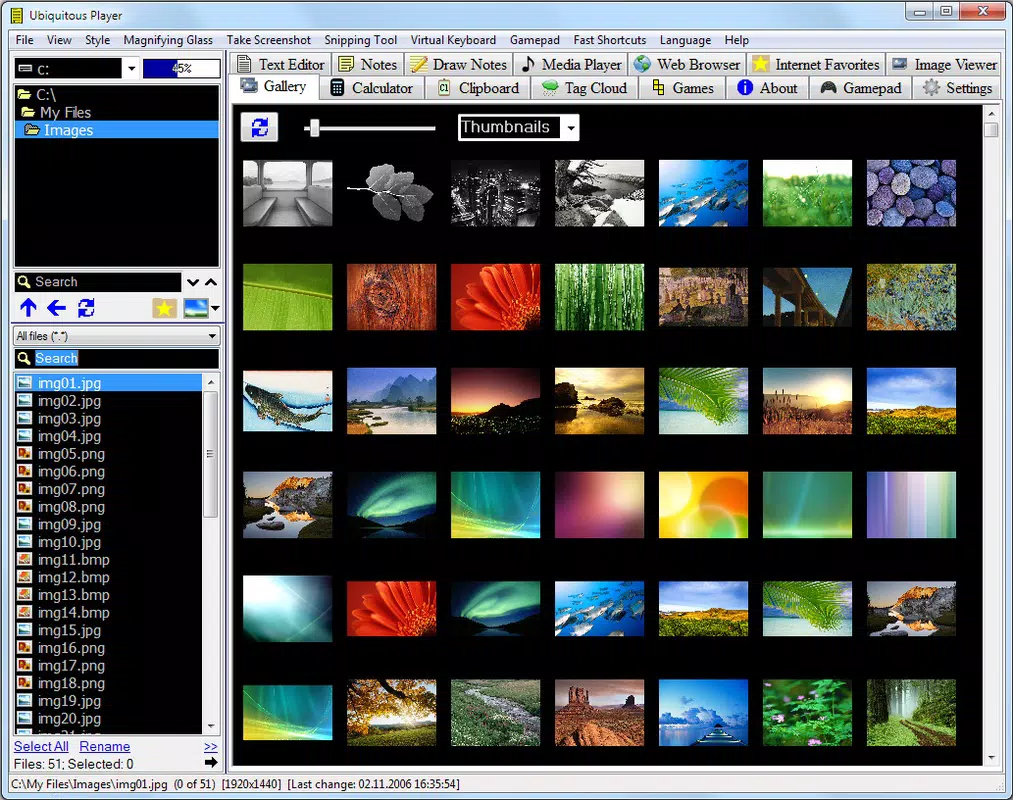
The app’s design philosophy centers on utility over aesthetics, offering a functional layout that prioritizes accessibility and ease of use. While the visual presentation may not stand out in terms of modern design trends, its practicality is evident in how seamlessly it integrates diverse functionalities. For instance, users can view videos, take notes on the fly, check upcoming events, browse the web, and play a quick game of Tic Tac Toe—all within the same environment.
Ubiquitous Player was released on October 4, 2016, marking its presence in the mobile ecosystem as a long-standing utility tool. Although the developer did not provide additional technical details, the app’s continued availability suggests a stable, maintenance-friendly architecture. It serves as a niche yet reliable solution for users who prefer consolidated tools over fragmented app ecosystems. Its role in the market is not as a replacement for specialized apps, but as a convenient companion for multitasking and productivity on the go.
Key Features & Functionality
Ubiquitous Player offers a unique blend of features that support both productivity and leisure, all within one interface. Each functionality is designed to complement the others, enabling a fluid user experience across different tasks.
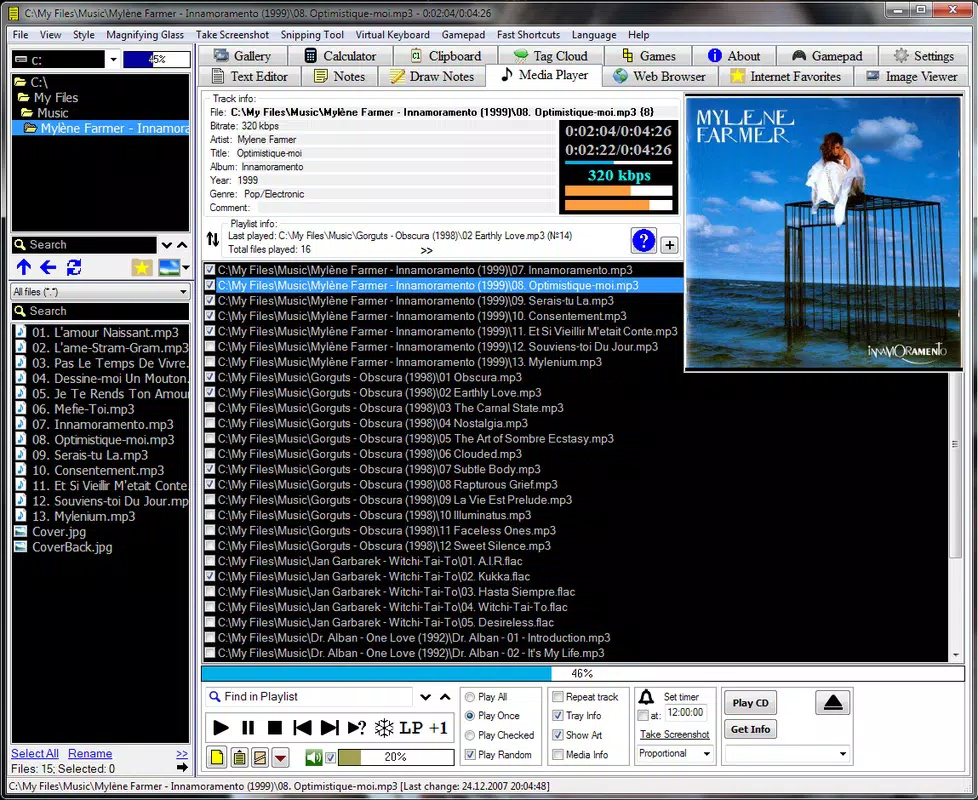
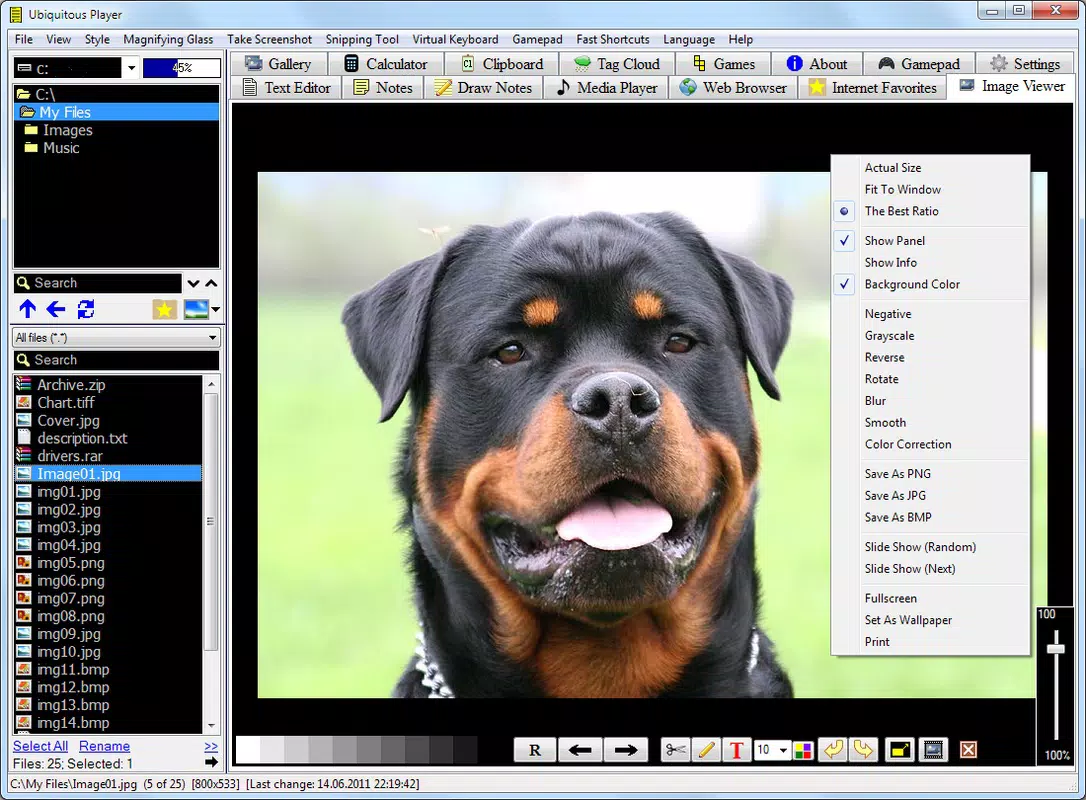
- Multimedia Viewing: The app supports playback of various video and image formats, allowing users to access personal media files without relying on third-party players. This is especially helpful for users with diverse file types stored locally.
- Note-taking Functionality: Users can create and save notes directly within the app. This feature is ideal for capturing ideas during video reviews, research sessions, or meetings. Notes are stored locally, ensuring quick access and privacy.
- Integrated Calendar: The built-in calendar enables users to schedule events and set reminders. It functions independently of external calendar apps, offering a self-contained way to manage time and deadlines.
- Web Surfing Capabilities: With an embedded browser, users can access online content without switching to a separate app. This is useful for fact-checking, research, or browsing while watching videos or reviewing notes.
- Play Tic Tac Toe: A simple game included for casual entertainment. It provides a brief mental break during extended use, adding a touch of fun without disrupting workflow.
These features collectively support real-world scenarios such as studying with multimedia content, organizing a project timeline, or researching while taking notes. The integration of these tools reduces app-switching fatigue and enhances focus.
Interface, UX & Performance
The user interface of Ubiquitous Player reflects a minimalist, functional approach. The layout is structured around a central navigation panel, allowing users to toggle between media playback, notes, calendar, web browser, and the Tic Tac Toe game. While the visual design lacks modern polish, the interface remains intuitive and easy to navigate, especially for users familiar with basic mobile app layouts.
Navigation is linear and predictable, with clearly labeled icons and menus. The app responds promptly to user inputs, suggesting stable performance. Although the developer did not list formal performance metrics, the app’s long-standing presence indicates consistent responsiveness across different device categories. Users can expect smooth transitions between features, even on mid-tier devices.
Stability appears to be a strength, with no widespread reports of crashes or freezes. The app runs efficiently in the background and maintains low resource consumption. However, specific requirements were not listed, so compatibility with newer operating systems cannot be confirmed. Overall, the user experience is straightforward and reliable, making it suitable for users who prioritize function over flashy design.
Platform Compatibility & Technical Requirements
Ubiquitous Player is available on Android, though the specific version and OS compatibility were not disclosed by the developer. The app’s file size is 14.8 MB, which suggests a lightweight footprint suitable for devices with limited storage. This size allows for quick installation and minimal impact on device performance.
Although the developer did not specify minimum OS requirements, the app’s release date in 2016 indicates it may have been designed for older Android versions. Users should verify compatibility with their current system before installation. No information was provided regarding iOS availability, so it is unclear whether the app is available on Apple devices.
For users seeking a lightweight, multi-purpose tool, the app’s size and platform availability present a practical consideration. The lack of detailed technical specifications means users should proceed with caution and ensure their device meets basic operational standards.
Pros and Cons
Pros
- Combines multiple tools—media player, note-taker, calendar, browser, and game—into one app
- Lightweight file size (14.8 MB) reduces storage impact
- Functional interface suitable for users who value productivity and simplicity
- Supports multiple media formats for broad compatibility
- Offers offline functionality for notes and media playback
Cons
- Visual design lacks modern aesthetic appeal
- Developer did not provide detailed technical requirements or OS compatibility
- No information on iOS availability or cross-platform sync
- Limited customization options for interface and features
- App may not support newer Android versions without updates
FAQ
Is Ubiquitous Player free to download?
The app’s pricing was not disclosed, but based on its functionality and file size, it may be available at no cost. Users should verify the current price in their app store.
Can I use Ubiquitous Player offline?
Yes, the app supports offline use for media playback, note-taking, and calendar functions, making it ideal for environments with limited internet access.
Does Ubiquitous Player support video formats beyond MP4?
The app is designed to handle various media formats, though specific supported types were not listed by the developer.
Is the app safe to install?
Ubiquitous Player is a legitimate utility app with a long history. However, users should only download it from trusted sources to ensure security.
How often is Ubiquitous Player updated?
Update frequency was not provided. Given its release date in 2016, users should check the app store for recent updates to ensure compatibility and security.
Final Thoughts
Ubiquitous Player stands out as a practical, no-frills tool that delivers on its promise of consolidation. While it may not impress with visual design or cutting-edge features, its ability to unify essential functions into a single interface makes it a valuable asset for users who value efficiency. It’s particularly well-suited for students, remote workers, and anyone managing multiple tasks on a smartphone.
The app’s lightweight nature and offline capabilities further enhance its utility in diverse environments. Despite limited information on technical specs and updates, its enduring presence suggests reliability and stability. For those seeking a simple, multi-functional app that doesn’t require constant switching, Ubiquitous Player offers a compelling solution.
Download Ubiquitous player now


